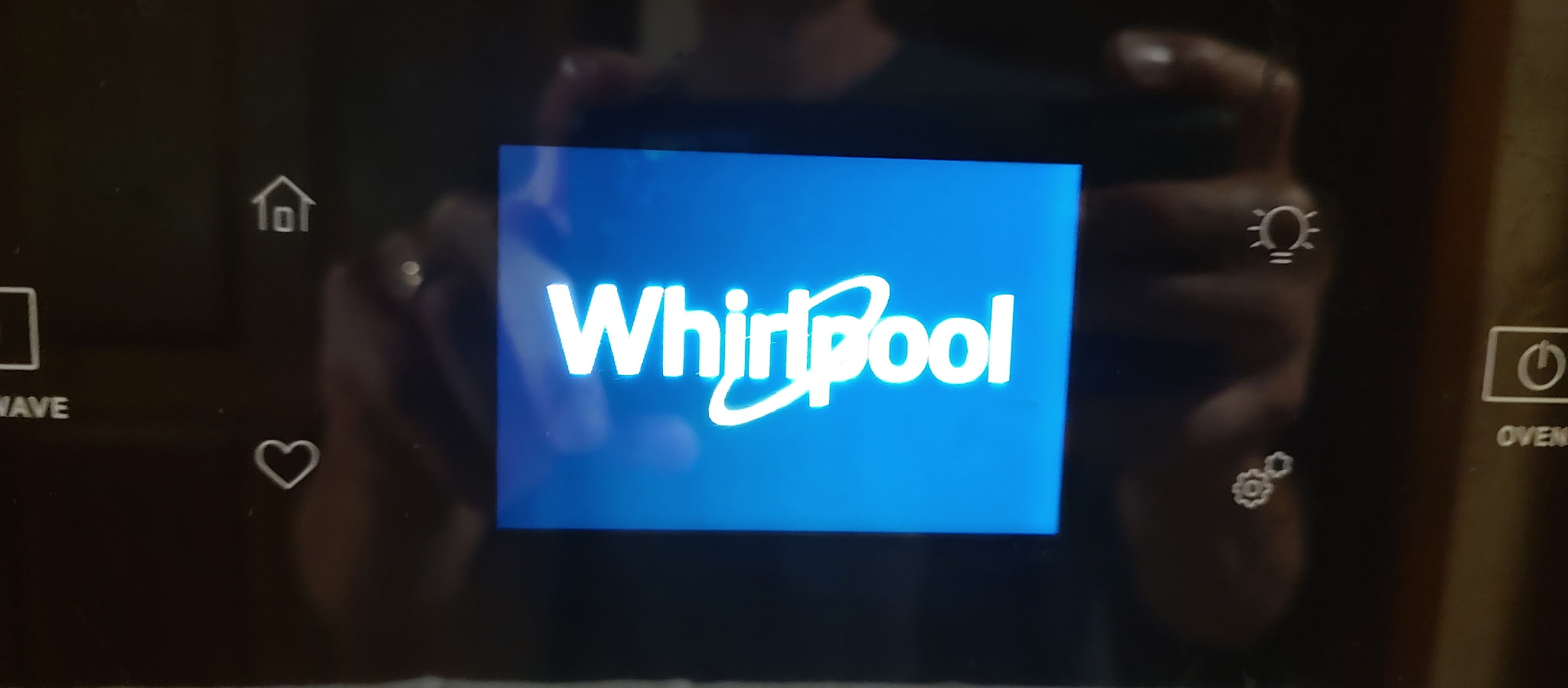
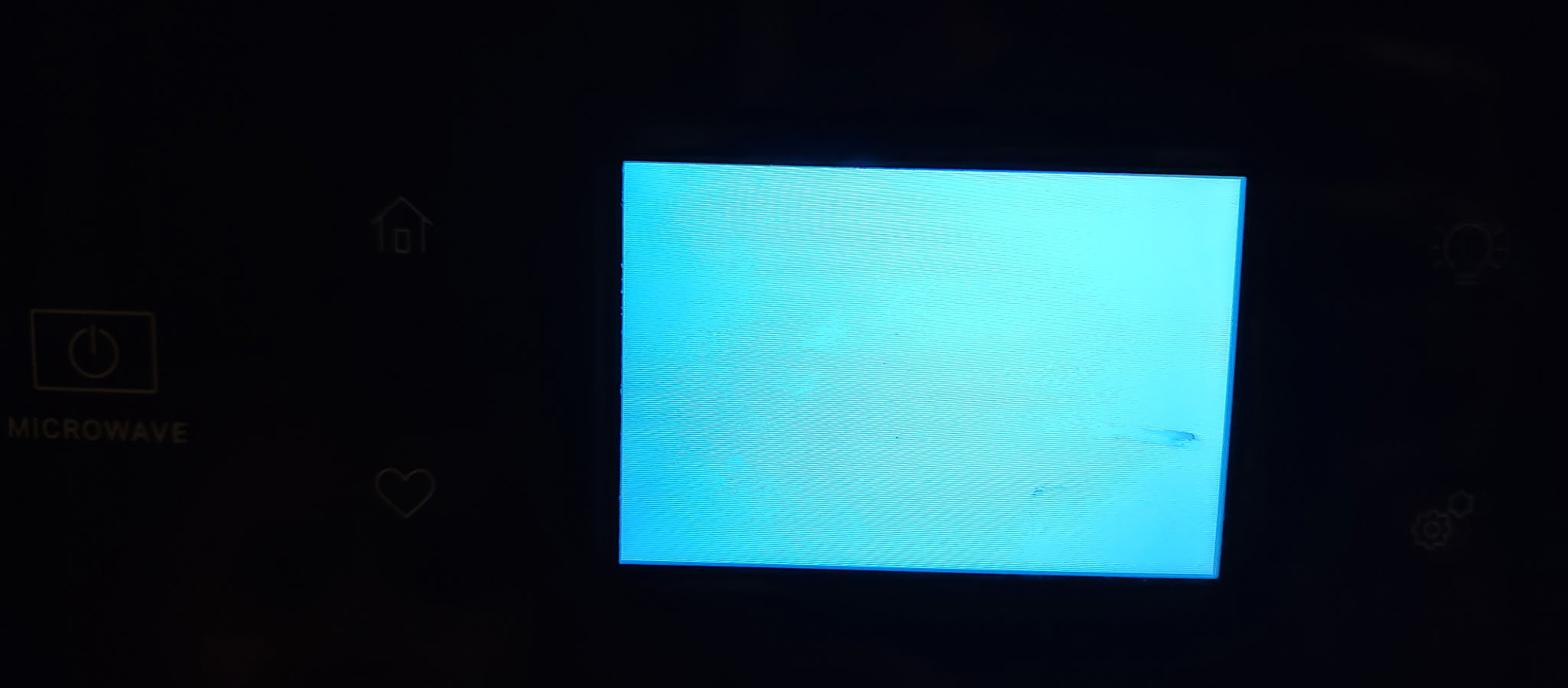
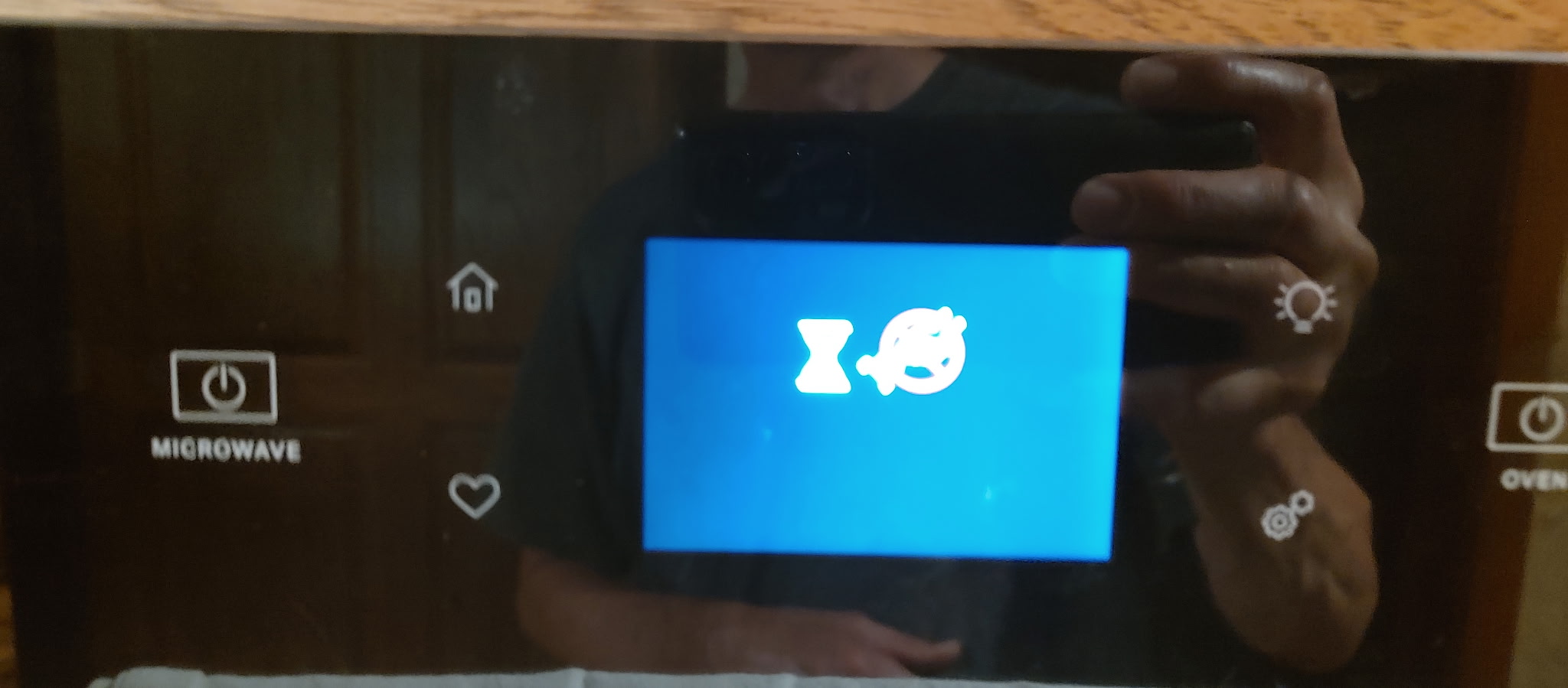
Brand:whirlpool Model Number:woec5027lb00 Main Symptom: cycles thru boot screen, whirlpool logo, blank screen, hour glass, then back thru again What happens & when:
Error Code (if any):
Parts or tests already tried: replaced Wall Oven Electronic Control Board W11325603 (AP6872123) per the AI assistance on your site. Same cycle. Have powered off at breaker and back on multiple times, same result. Buttons don’t work. Problem occurred after home lost power in storm and when power restored, the problem started. This is my daughter’s oven unit and I’m trying to help her save money in the repair by helping her with this.
Photos / video link:
Thank you for the service bulletin. From what I can tell it refers to the microwave not working. On the unit my daughter has the microwave nor the oven function at all because none of the buttons work. It just cycles through the boot screen. Any other advice?
oh okay. in that case try to this.>>>NOTE: Before starting any test, cycle power to the oven (power off, wait 10 seconds, and power on). 1. Cycle the unit power off & then on after 60 seconds. 2. Is the back light, Control Panel ON, displaying something? 3. If Yes, Go to diagnostics and check for error codes. 4. If they are none, connect product to Wi-Fi and claim unit. a. Is Control Panel is still not working, then replace Control Panel only. Do not replace ACU if you have confirmed that the Control panel is the only one faulty. b. If the back light, Control Panel OFF, displaying something? 5. Check for loose connections, disconnect and reconnect jumper harnesses between P1 & J4. 6. Restart unit and see if control panel will light up & respond. 7. If Control Panel is still not working, then replace Control Panel only. Do not replace Appliance Manager if you have confirmed that the Control panel is the only one faulty. 8. After restarting appliance, connect and claim it
These are the three screens that rotate and continue cycling through after we restore power. Also provided the model number and serial number plate. The display screen is not black it does display these three screens.
Hi pshkdavis, it’s more than likely that the main control panel (HMI-Central/UI board assembly) is the culprit here. I read that you already replaced the control board, but that board mainly controls the oven functions like bake, broil, convection, and the related circuits. The issue you’re having appears to be with the main control panel/UI.
Here are some steps you can try, but if the screen will not allow you to move past that loop, the control panel may need to be replaced:
Unplug the oven or disconnect power.
Confirm that the HMI-Central/UI board Control Panel Assembly is properly grounded to the oven chassis. If it is not, repair the ground connection.
Reassemble all parts and panels before operating the oven.
Restore power and cycle the power to the oven.
If the problem or error persists, disconnect power again.
Replace the HMI-Central/UI board Control Panel Assembly.
Reassemble all parts and panels before operating.
Restore power and follow the on-screen prompts for model selection.
Verify that the oven is operating normally.
Afterward, enter Diagnostics Mode, select Error Diagnostics, and clear the error history. If you replaced the HMI-Central/UI board Control Panel Assembly, there is no need to clear the previous error history.control panel W11468019
I appreciate the additional information. Can you provide me with the part number I need to purchase? And can I return the control board that didn’t fix the problem?
The part number is at the bottom of the last information I sent you. Also, I’m not sure if you’ve already installed the part, but if you have, I don’t believe they accept returns on installed parts. I would double-check their return policy before trying to send it back.