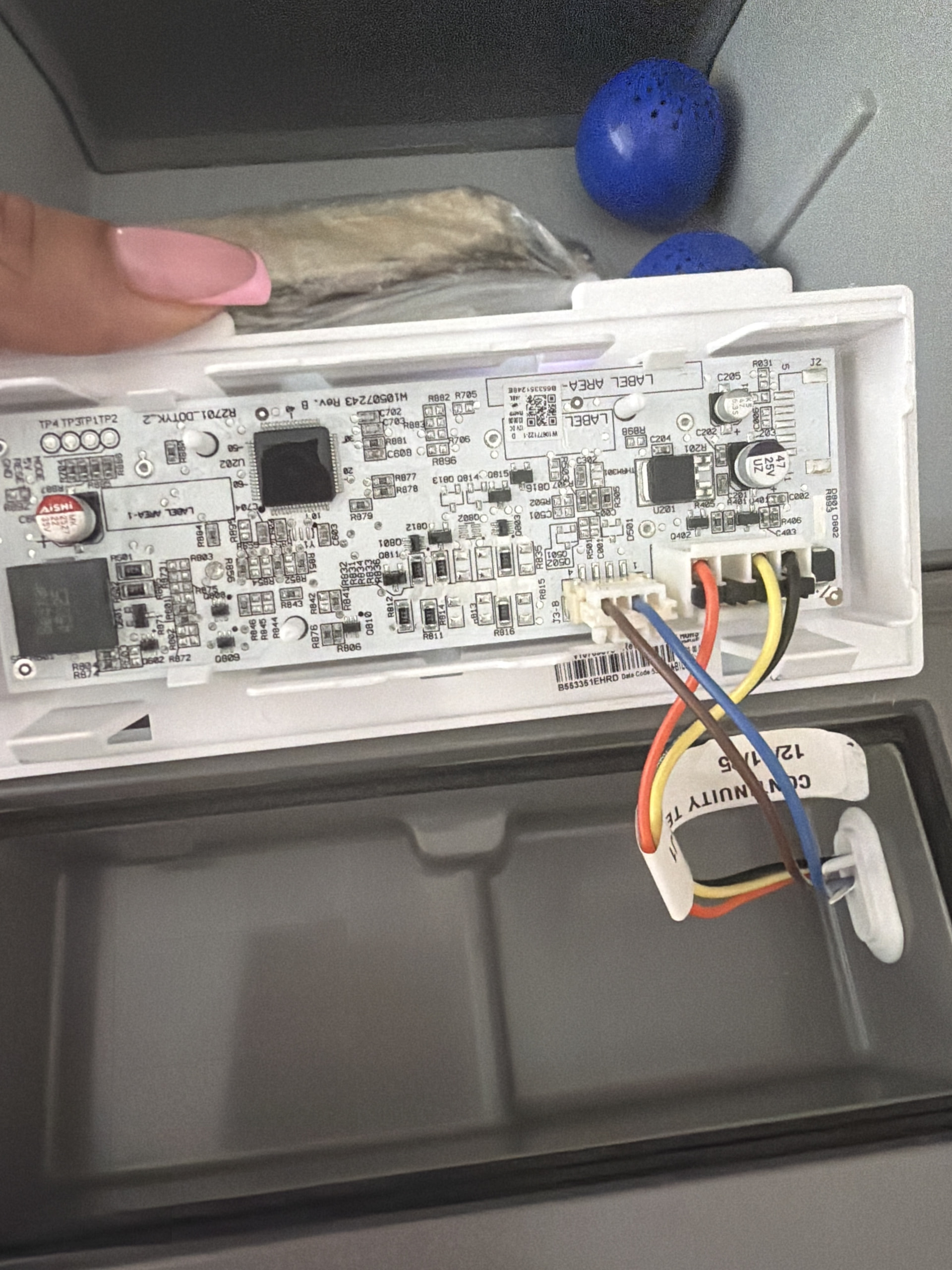
On the KitchenAid KRMF706ESS01, I would not replace another door yet. The W10815669 you installed is the stainless pantry drawer door, and it is correct for this model.
The important thing now is determining which door input the control thinks is open. This refrigerator monitors several door switches, and a bad switch, broken wire, or connector problem can keep the Door Open indication on even with a new pantry door. The wiring information specifically shows the control monitoring the freezer, both pantry drawers, and refrigerator doors.
Run the door-switch diagnostics first
Enter Service Diagnostics:
- Press SW1 and SW2 simultaneously for about 3 seconds.
- Release when the display enters diagnostics.
- Use SW5 to advance through the tests.
- Go to Service Test 16 – RC Door Switch Input.
- Open and close the refrigerator doors individually and watch whether the displayed status changes.
- Then go to Service Test 17 – FC/Pantry Door Switch Input.
- Open and close the freezer and pantry drawers one at a time.
The big clue will be a switch input that doesn’t change when its door is opened/closed.
Don’t overlook the actual door switches
This model has separate physical door switches. Parts listings show multiple switches depending upon position, including two-terminal and three-terminal switches.
If Test 16 or 17 identifies a door that stays OPEN:
Quick test: manually depress that door’s switch while watching the diagnostic display.
- Reading changes: switch isn’t being depressed far enough when the door closes. Check door alignment, switch mounting, and actuator contact.
- Reading doesn’t change: unplug the refrigerator and check the switch with your meter.
- Switch tests correctly: inspect the harness and connectors from that switch back toward the control.
Because you replaced W10815669
Pay particularly close attention to the pantry-door electrical connection/harness.
W10815669 isn’t merely an ordinary refrigerator door; it’s the temperature-controlled pantry drawer door assembly. A connector that isn’t completely seated, backed-out terminal, pinched wire, or damaged harness can leave the control seeing an incorrect door state.
I’d unplug the refrigerator and disconnect/reseat every connector disturbed during the W10815669 installation, looking closely for:
- bent or pushed-back pins
- corrosion/moisture
- partially seated connectors
- pinched wiring
- wires broken right at the connector
There are documented cases on this particular model family where pantry-door connector/harness problems cause unusual lighting, dispenser, and Door Open behavior.
About the noise
I wouldn’t assume the noise and Door Open indication are two separate failures yet. A false door-open signal can change fan operation and other control behavior.
Run Tests 16 and 17 first and tell me exactly what numbers you get with each door open and closed. With those results, we can narrow this down to the specific switch, pantry harness/connector, wiring, or main control instead of throwing another expensive part at it.