Brand: Kitchenaid Model Number: KOCE900HBS02 Main Symptom: Started with display no longer working. Purchased and replaced with new main control board. Did not work. Replaced the display console and now the display can startup and show images and menus. But it is recognizing the unit as a double oven instead of microwave/oven combo. The buttons on the console also are not functioning properly. For example, when touching the button to add 30 seconds to the microwave cook time on the console, the lower oven light turns on. In addition, error F6E9 Oven ACU2 Lost Communication Contact is now displayed after a couple of minutes. The unit is completely not functional, but lights come on within the microwave and oven when opened and the digitial display is now on.
What happens & when:
Error Code (if any): F6E9 Oven ACU2 Lost Communication Contact
Parts or tests already tried: Full power cycle, factory reset, replaced main control board, replacing the console fixed the digital display not turning on
Photos / video link:
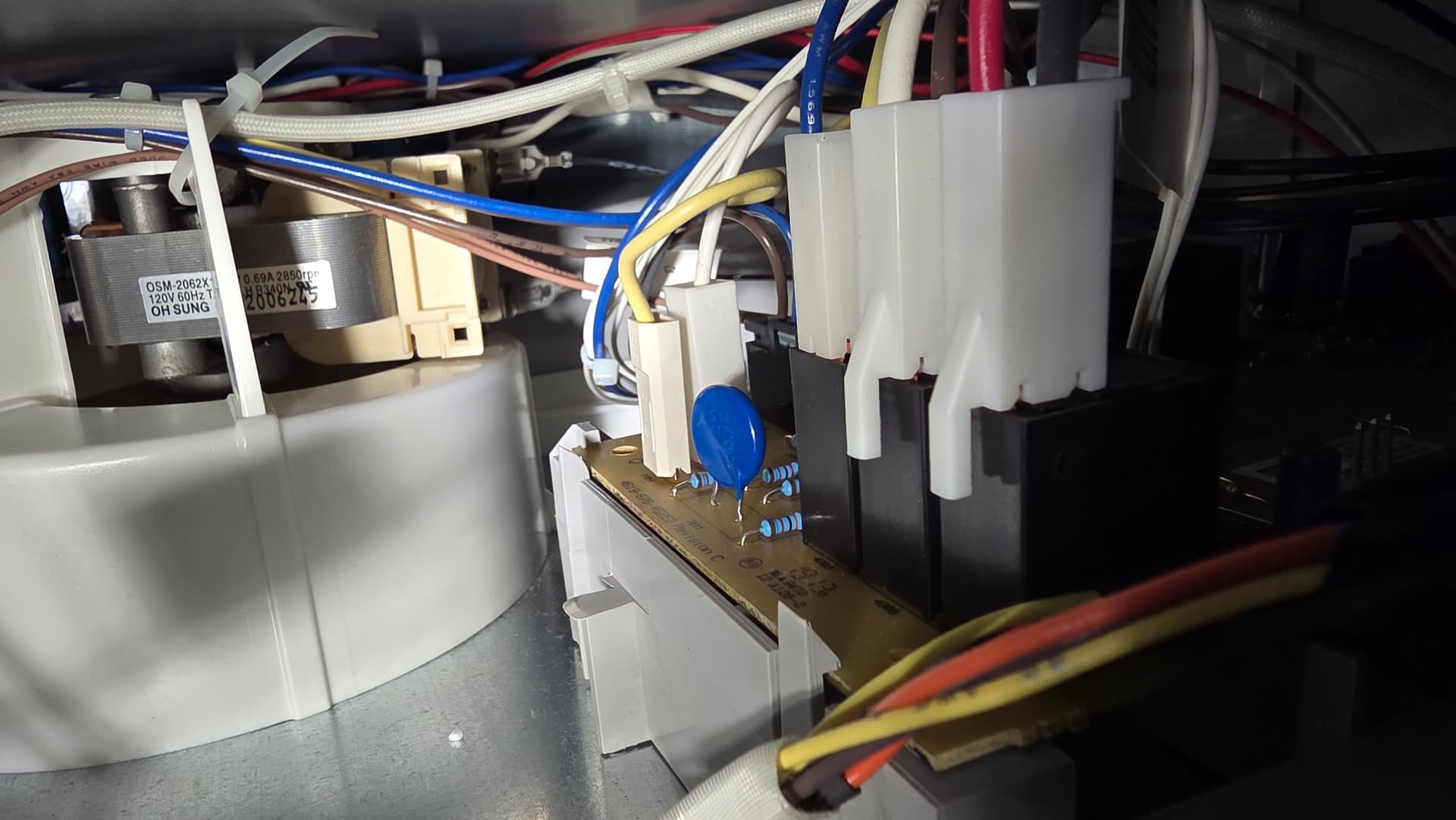
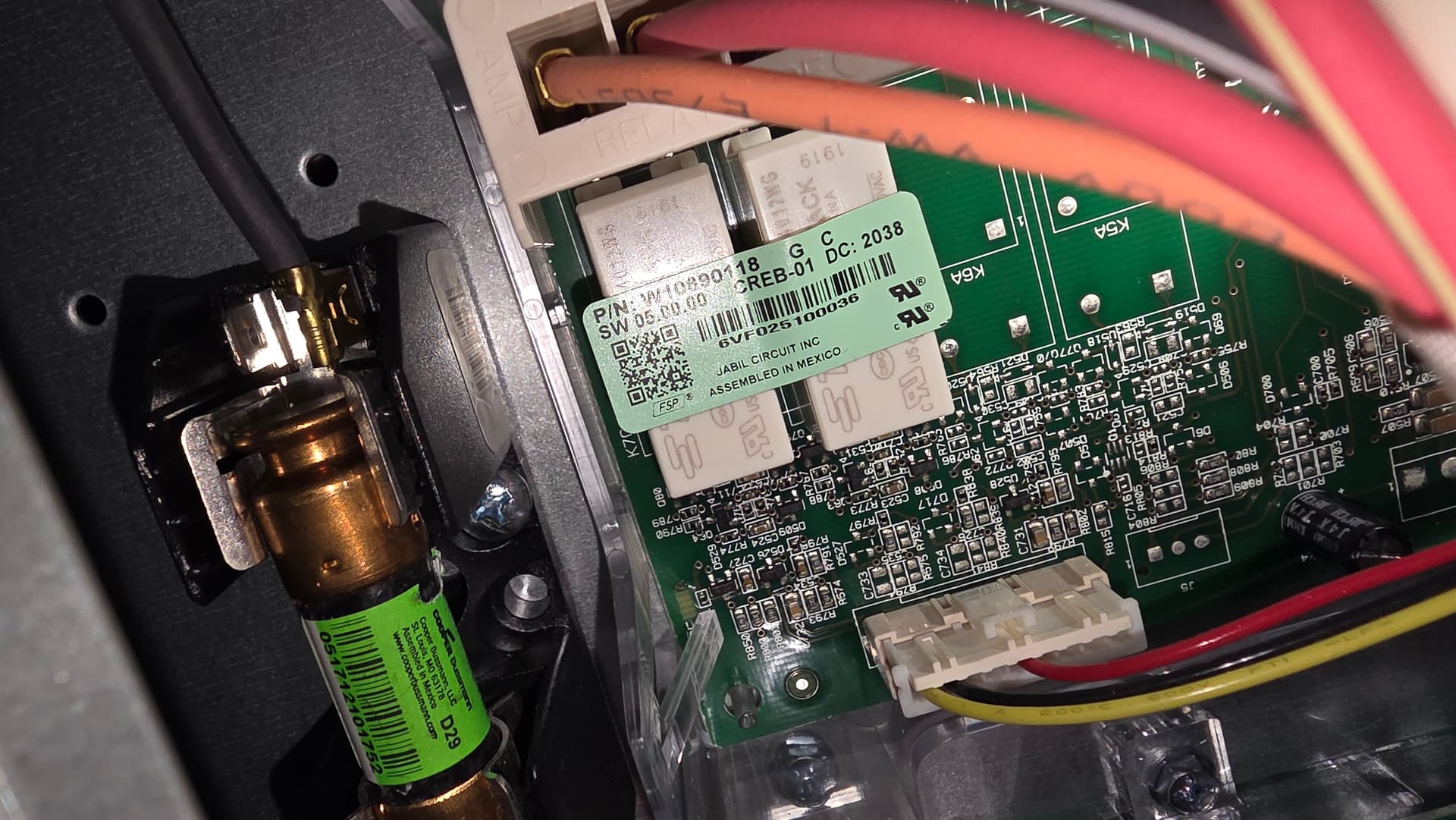
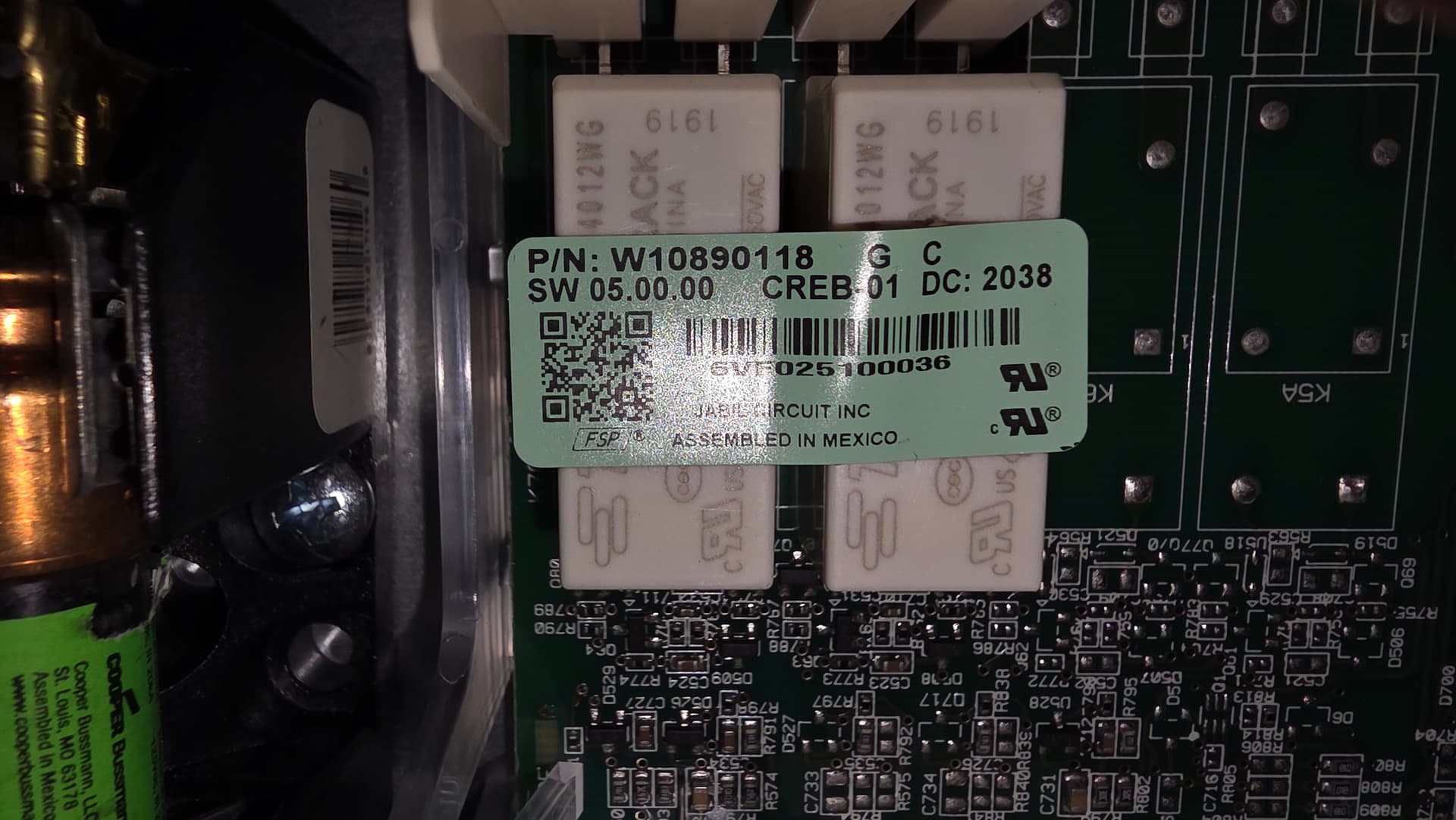
From what I can see on the website as well as the manufacturer’s original information, it looks like the main oven control/appliance manager (located on the left of the appliance behind the console) would be part number AP6809320/W11294388. There is also an expansion control located just to the right of it. The F6E9 error is not a valid manufacturer error from what I can see. It would likely be in relation to these two controls rather than the microwave main control. If you double check the wires, are there any loose connections or wires that might be damaged?
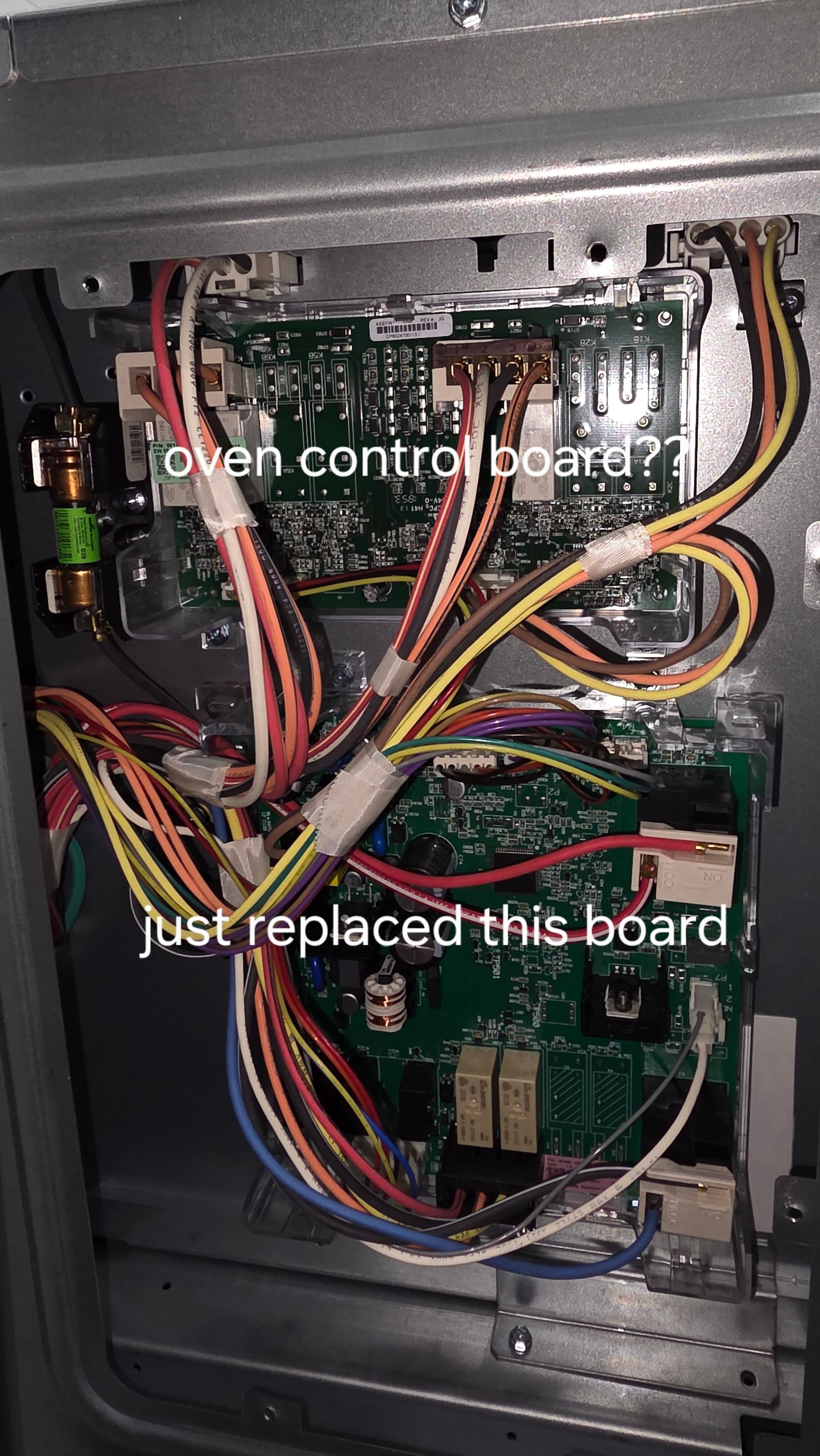
I’m not home right now to get a good picture, but when I pull the console, I only see the one circuit board (which is the one I replaced on the right). Can you be more specific on where the others are located? Perhaps it’s behind a panel?
I don’t see any damaged wires. Everything actually looks pretty clean on the inside.
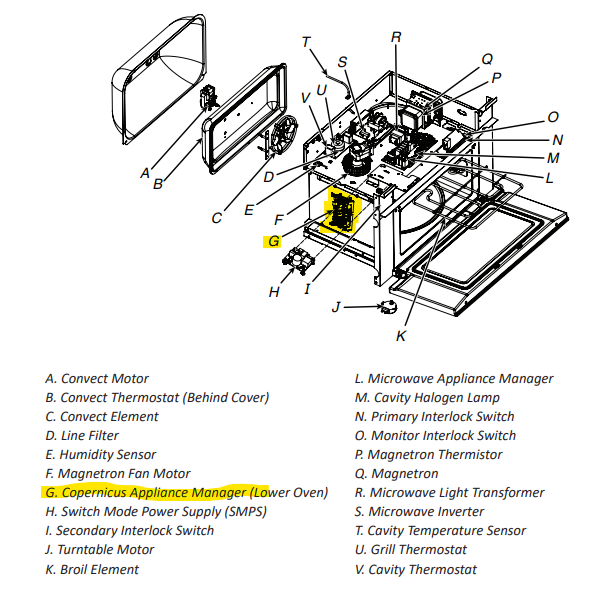
I was able to find an image of the part layout separate from the parts listing, it looks like the main oven control is on the left side of the microwave rather than being just behind and on the left of the console. Here is an image of what I am using as a reference.
I personally would verify the wire connections are good and solid, and that there is not any indicators of a damaged wire on the side. If the wire harness there checks good, the most likely failure is this control since the original and the new controls you have all report the same failure.
The display control receives its voltage from this control based on what I can see in the wiring diagram. If there was a failure that caused the oven main control to go out, it could stop voltage from being sent to the console. Turning the breaker off multiple times allows this control to hard reset the same amount, lust like unplugging a computer, and this can cause some operation to come back.
We definitely had some moments where we had to do some power cycles to get things to work (the display would get locked up). Then after a couple of months, the display just stopped working.
After plugging in the new display console, at least the display was working again.
The thing I don’t understand is how the old console also stopped working at the same time.
Domino effects can occur where one control fails and takes out another. If there was a short in the original console, repeated cycling could cause that short to affect the main oven control (primarily signal communication) as it tries to send voltage to the console every time the power supply is turned back on.
Based on the wires going to the control in question, it looks like that is the expansion control and it should not affect the communication between the controls and the user interface console. If you press cancel, cancel, then start, it should enter into a diagnostic mode. From there, use the touchscreen to scroll to error diagnostics to view and clear the error history. Are there any error codes other than F6E9? Once the error history is cleared, does the error F6E9 come back up once the range is powered down for a few minutes then powered back up?
F6E9 is the only thing that is in the diagnostics.
I cleared everything and the error still comes up.
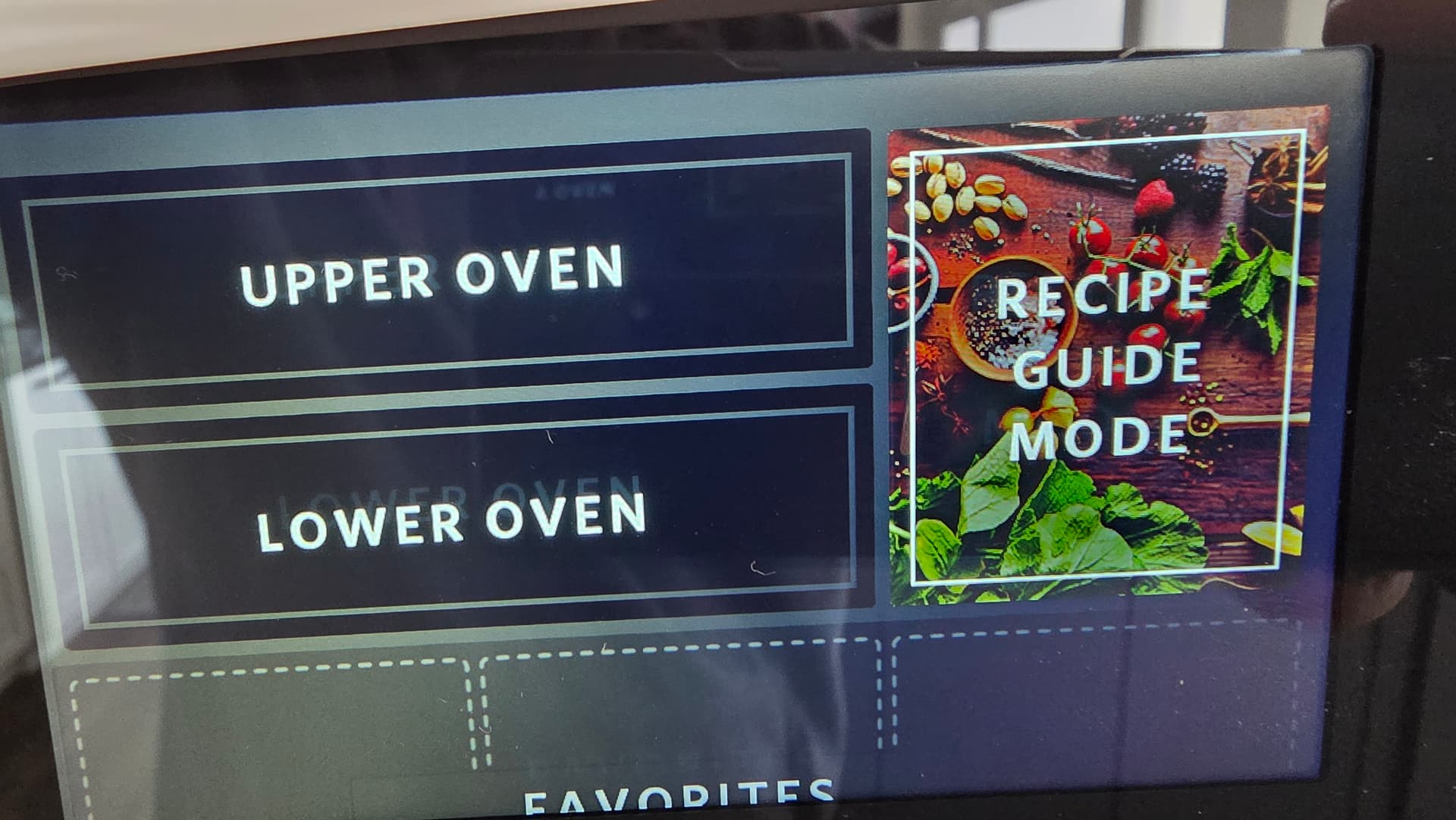
The other issue is that it’s recognizing this as two ovens instead of of microwave and oven.
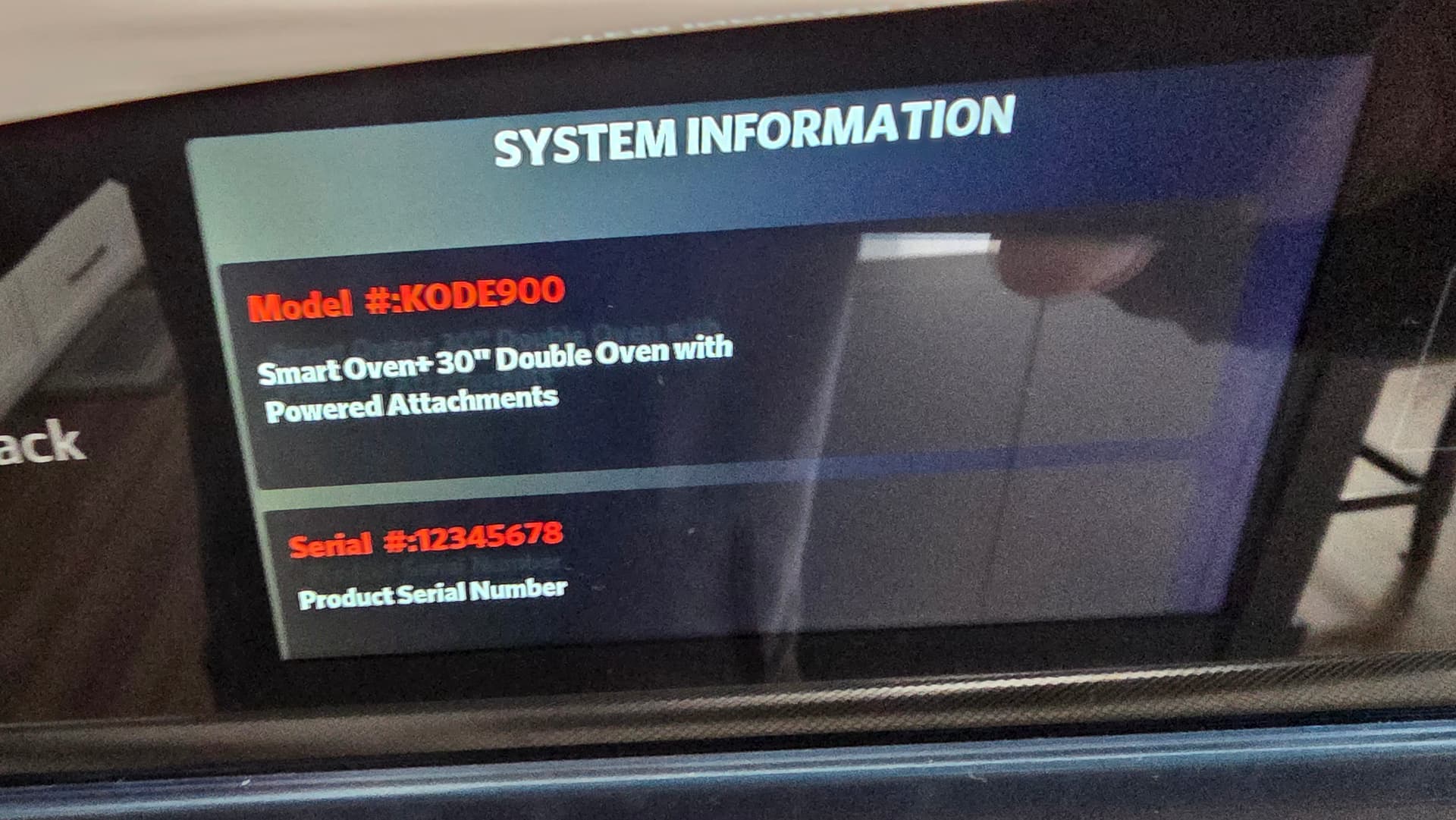
After looking at this further, it’s not reading the model number or serial number properly in the system information in diagnostic mode and looking at the model it is identifying, it is a double oven (but not actually what I have).
I think it not identifying as a microwave and oven combo is my problem.
When the console was installed, it should have asked for a model selection. To change the model selection, press cancel, cancel, then start, go to the system information and press ok. From there, scroll to model number and press ok. Scroll to the correct model number and then press select. Does this change what happens once diagnostic mode is exited?
I also don’t think I needed that last board or the 2nd display unit i purchased as this was only an issue with the model number being populated correctly.
If you could call our customer support at 1-877-477-7278, we will help with this to the best of our ability regarding the control board I had recommended. They will ask for the order number.